

Quick Summary
| Key Insight | What You Need to Know |
|---|---|
| Quick Comparison | 10 Best Social Media Tools for Agencies |
| How We Evaluated These | How We Evaluated These Tools |
| 1. FeedGuardians | AI-Powered Comment Management & Brand Protection |
| 2. Agorapulse | Unified Inbox & Advanced Agency Reporting |
| 3. Planable | Visual Approval Workflows for Client Collaboration |
| 4. Sendible | White-Label Solutions for Agency Branding |
Table of Contents
- Quick Comparison: 10 Best Social Media Tools for Agencies
- How We Evaluated These Tools
- 1. FeedGuardians: AI-Powered Comment Management & Brand Protection
- 2. Agorapulse: Unified Inbox & Advanced Agency Reporting
- 3. Planable: Visual Approval Workflows for Client Collaboration
- 4. Sendible: White-Label Solutions for Agency Branding
- 5. Hootsuite: Enterprise Social Listening & Multi-Account Management
- 6. Metricool: Data-Driven Analytics & Automated Reporting
Last Updated: July 6, 2026
When building a social media presence at scale, agencies face a unique challenge: managing multiple client accounts, coordinating team workflows, and delivering measurable results within budget. The difference between a mediocre tool and an exceptional one comes down to three factors: collaboration workflows, client reporting, and real-time engagement capabilities.
Quick Comparison: 10 Best Social Media Tools for Agencies
| Tool | Starting Price | Free Tier | Best For | Standout Feature |
|---|---|---|---|---|
| FeedGuardians | Free plan available | Yes | Comment management | AI-powered replies with 98.7% accuracy |
| Agorapulse | $49/month | Limited | Multi-client agencies | Unified inbox for 50+ profiles |
| Planable | $11/user/month | Yes | Approval workflows | Visual content calendar with client sign-off |
| Sendible | $29/month | No | White-label needs | Fully branded dashboards for client presentation |
| Hootsuite | $99/month | No | Enterprise scale | Advanced social listening at scale |
| Metricool | $20/month | Yes | Data-driven teams | Automated PDF reporting for clients |
| Cloud Campaign | Custom pricing | No | Agency scaling | Native white-label operations |
| Sprout Social | $249/month | No | Premium analytics | Industry-leading sentiment analysis |
| SocialPilot | $30/month | No | Budget-conscious | Affordable white-label reports |
| ClickUp | $7/user/month | Yes | Content pipeline | Customizable workflow for content production |
How We Evaluated These Tools
We assessed each tool across collaboration and approval workflows, scheduling and publishing, analytics and reporting, multi-account management, pricing, customer support, integrations, and user interface design. These criteria matter because agencies operate differently than solo creators, you need tools that scale across teams and clients without friction.
1. FeedGuardians: AI-Powered Comment Management & Brand Protection
Most agencies overlook comment management. FeedGuardians specializes in real-time comment moderation and AI-powered replies across Instagram, Facebook, TikTok, and YouTube, automatically detecting spam, hate speech, scams, and competitor links with 98.7% accuracy. The AI learns your brand voice and provides 24/7 automated responses.
What makes it essential for agencies: Clients demand protection from brand-damaging comments on high-spend ad campaigns. FeedGuardians handles this automatically while maintaining your unique brand voice.
Pros:
- AI replies in your exact brand voice
- Real-time moderation across four major platforms
- Competitor link detection prevents traffic leakage
- Free plan includes core moderation features
Cons:
- Primarily focused on comment management, not full scheduling
- Best paired with a scheduling tool like Agorapulse for complete coverage
2. Agorapulse: Unified Inbox & Advanced Agency Reporting
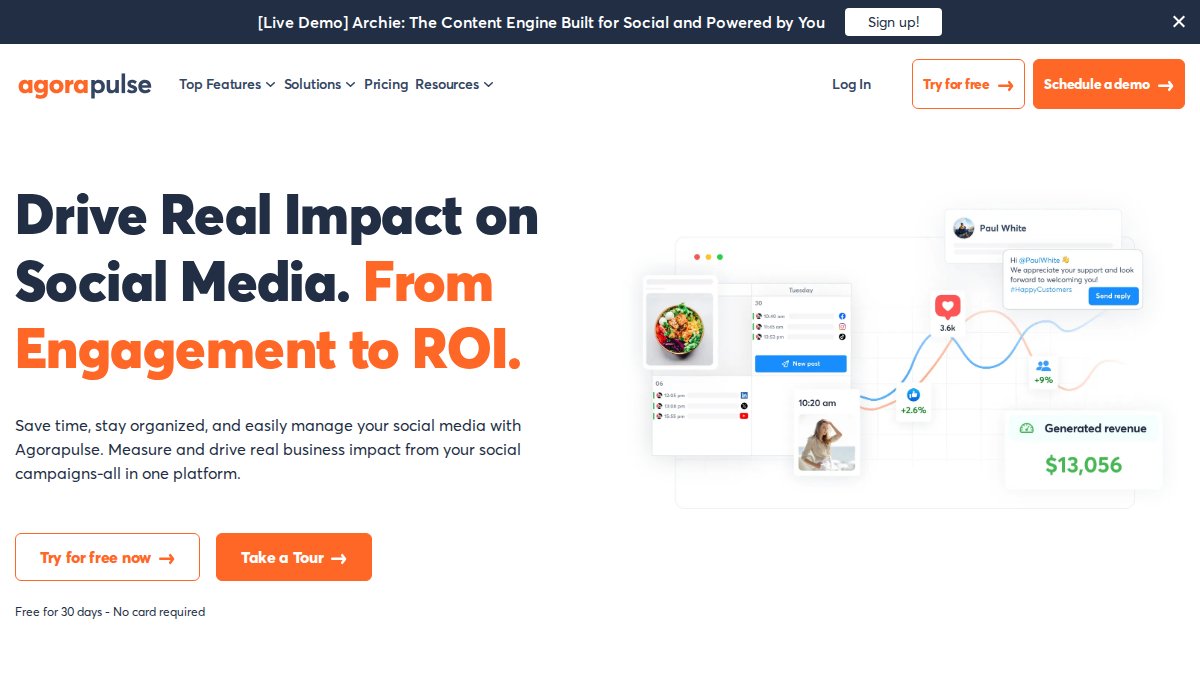
Agorapulse consolidates Instagram DMs, Facebook comments, LinkedIn mentions, and Twitter replies into one unified inbox. For agencies managing 10+ client accounts, this saves hours daily. The platform excels at team collaboration with task assignment, internal notes, and response time tracking. The reporting dashboard generates white-label reports automatically.
What makes it essential for agencies: The unified inbox scales to 50+ social profiles. Bulk scheduling with recurring post options lets you batch-create content for multiple clients in one session.
Pros:
- Handles high-volume engagement without slowdowns
- Intuitive interface for non-technical team members
- Advanced scheduling includes bulk upload and recurring options
- Detailed performance analytics with white-label reporting
Cons:
- Costs add up as you add more social profiles beyond the included limit
- Advanced social listening features lag behind enterprise platforms
3. Planable: Visual Approval Workflows for Client Collaboration
Approval delays kill agency momentum. Planable fixes this with a visual-first approach where clients see exactly what content will look like on each platform. Multi-level approval workflows route content through your team first, then to the client for final sign-off. Comments and feedback happen in-platform, eliminating lost email threads.
What makes it essential for agencies: Agencies using Planable report cutting approval cycles from 5 days to 1-2 days.
Pros:
- Best-in-class visual approval workflow
- Non-technical clients find it intuitive
- Direct collaboration with comments and internal notes
- Accurate feed previews across all major platforms
Cons:
- Lacks advanced social listening and deep analytics
- Limited automation features
4. Sendible: White-Label Solutions for Agency Branding
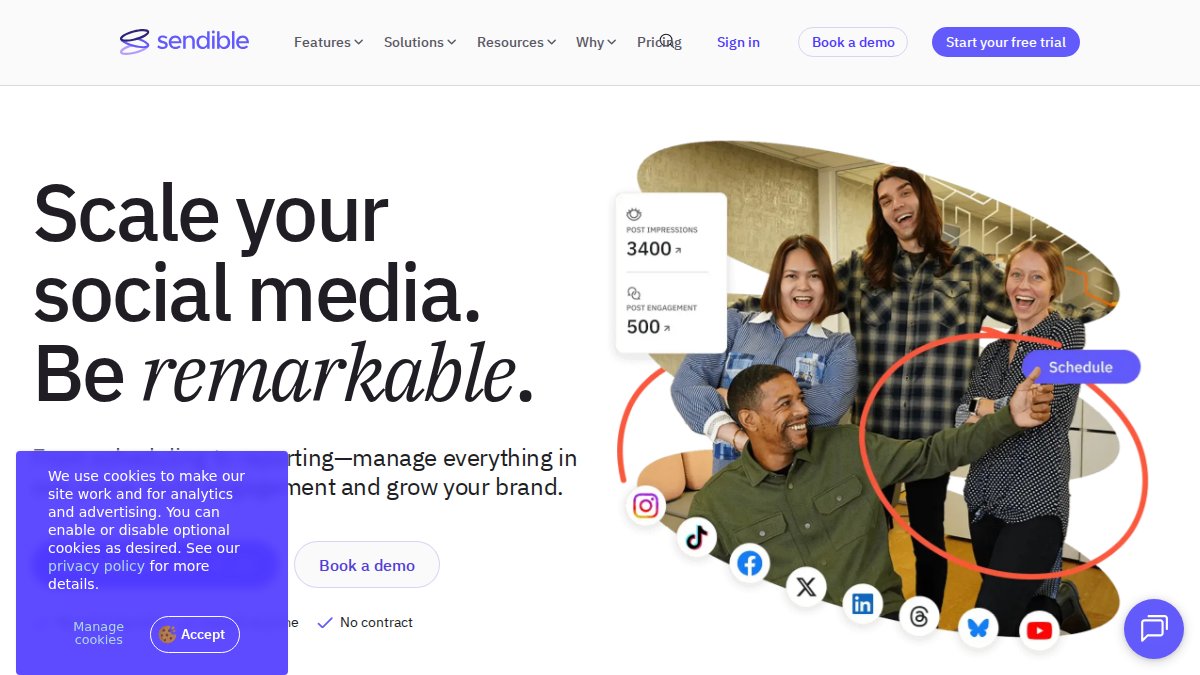
Sendible delivers complete white-labeling, your logo, colors, and domain appear throughout. Clients see "Acme Agency Social Dashboard," not "Powered by Sendible." The platform handles multi-channel scheduling across Facebook, Instagram, LinkedIn, TikTok, and Pinterest. Customizable reporting templates generate client reports in minutes.
What makes it essential for agencies: White-labeling strengthens client relationships and justifies premium rates.
Pros:
- Strong white-label capabilities with custom domain options
- Comprehensive integrations with Canva and content libraries
- Customizable reporting templates save hours
- Multi-channel scheduling across five platforms
Cons:
- Limited social listening compared to competitors
- Pricing can exceed Agorapulse for similar features
5. Hootsuite: Enterprise Social Listening & Multi-Account Management
Hootsuite was built for scale. Manage hundreds of accounts without performance degradation. Advanced social listening tracks brand sentiment across the entire internet. AI-powered content creation suggestions help your team generate post ideas faster. Enterprise-level security and granular team permissions protect sensitive client data.
What makes it essential for agencies: Hootsuite's social listening is unmatched. Agencies managing premium clients who care about competitive intelligence find it indispensable.
Pros:
- Extensive feature set and platform integrations
- Powerful social listening and monitoring
- Handles enterprise-scale accounts without slowdowns
- AI-powered content optimization suggestions
Cons:
- Steep learning curve; expect 2-3 weeks before full productivity
- Higher price point unsuitable for smaller clients
6. Metricool: Data-Driven Analytics & Automated Reporting
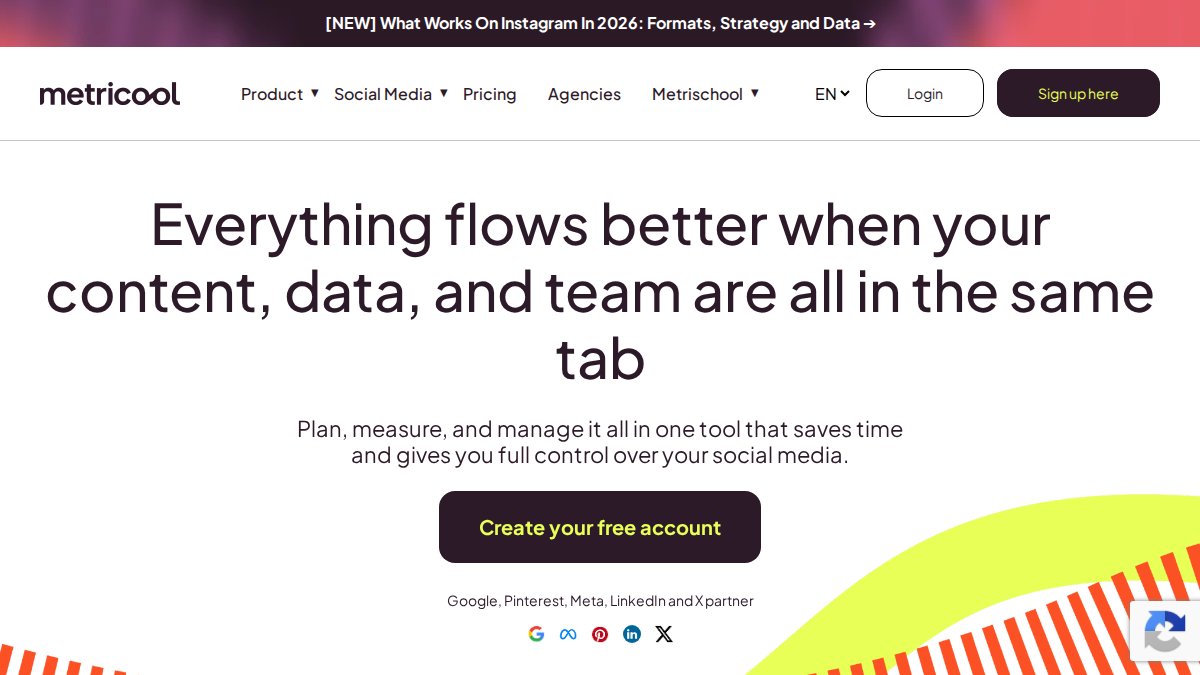
Metricool combines data from all social channels and ad accounts into one unified analytics dashboard. The drag-and-drop content planner suggests optimal posting times based on audience behavior. Automated PDF report generation means you can schedule reports to hit client inboxes every Monday morning.
What makes it essential for agencies: The analytics-to-reporting pipeline is unmatched at this price point.
Pros:
- Excellent depth of analytics for the price
- Clean, user-friendly interface requiring minimal training
- Automated PDF reports save hours on client deliverables
- Competitor analysis provides strategic insights
Cons:
- Some advanced features locked behind higher tiers
- Lacks white-label options
7. Cloud Campaign: Strategy-Focused Platform for Agency Operations
Cloud Campaign focuses exclusively on what agencies need to scale: white-labeling, automated client reporting, approval workflows, and bulk scheduling. This focus makes it incredibly efficient for agencies managing 20+ client accounts. Native white-labeling means your agency's branding appears throughout the client interface.
What makes it essential for agencies: Cloud Campaign is built specifically for agency workflows.
Pros:
- Built specifically for agency workflows and scaling
- Strong white-label branding
- Automated reporting saves significant time
- Bulk scheduling and content library management
Cons:
- Pricing not transparently listed; requires sales contact
- Smaller feature set than all-in-one competitors
8. Sprout Social: Premium Analytics & Customer Care Integration
Sprout Social targets the high end of the market. Its integration of social listening, sentiment analysis, and customer care tools is unmatched. Advanced reporting and data visualization let you tell sophisticated stories about campaign performance. Employee advocacy tools help clients' teams become brand ambassadors.
What makes it essential for agencies: Sprout Social shines when social media is part of a larger customer experience strategy.
Pros:
- Industry-leading analytics and reporting
- Powerful social listening and sentiment analysis
- Excellent customer care tools integrated into the platform
- Employee advocacy features strengthen brand presence
Cons:
- Highest starting price on this list
- Overkill for agencies managing budget-conscious clients
9. SocialPilot: Affordable All-in-One for Growing Agencies
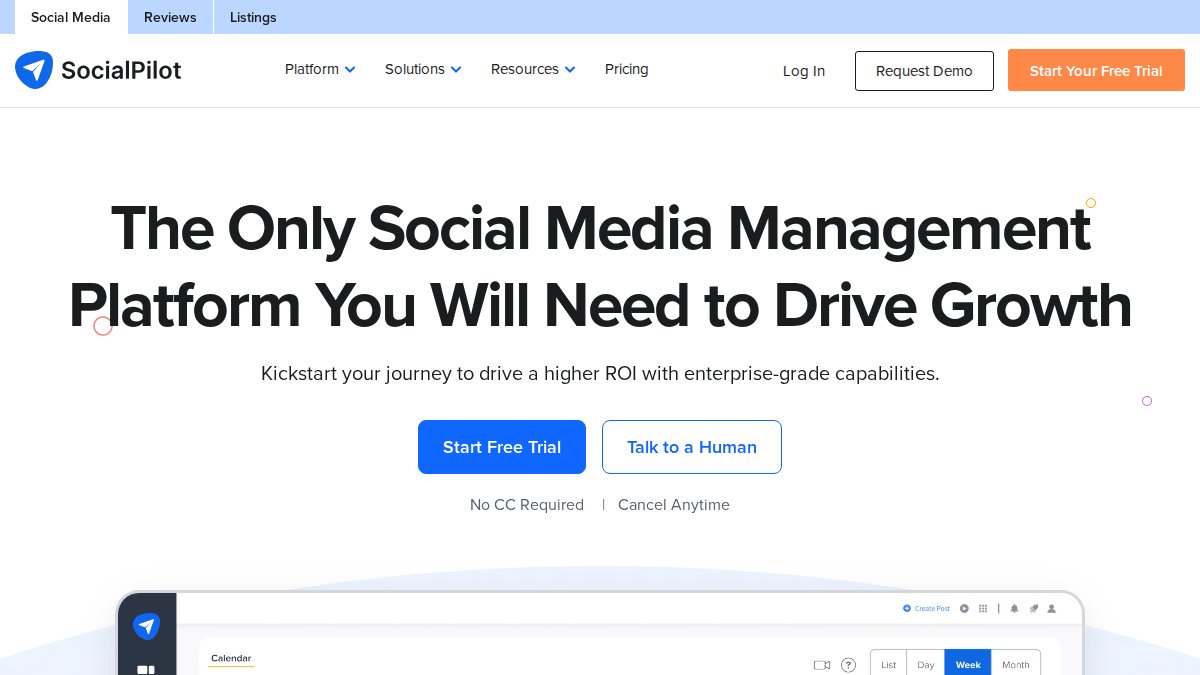
SocialPilot delivers excellent value at $30/month, ideal for agencies building their client base. White-label reporting lets you present professional analytics to clients. The client management portal gives clients direct access to their content calendar and performance data.
What makes it essential for agencies: Cost-effectiveness combined with genuine feature depth allows agencies to offer social media management to more clients without squeezing margins.
Pros:
- Excellent price-to-feature ratio
- Easy to set up and manage multiple client accounts
- White-label reporting for client presentations
- Social inbox for managing engagement across accounts
Cons:
- Lacks advanced social listening tools
- Limited automation compared to enterprise competitors
10. ClickUp: Content Pipeline Management Beyond Social Scheduling
ClickUp isn't a dedicated social media tool, but agencies increasingly use it as the backbone of their entire content production process. Customizable content calendars, built-in document collaboration, and automated task assignments manage everything from ideation through publication. Integration with social scheduling tools means content approved in ClickUp automatically flows to your publishing platform.
What makes it essential for agencies: ClickUp becomes your content command center, where ideas are born, content is created, approvals happen, and tasks are assigned.
Pros:
- Highly flexible and customizable for any workflow
- Centralizes communication and project management
- Built-in document collaboration for content drafts
- Integrates with social tools via API
Cons:
- Not a dedicated social scheduler; requires integration with other tools
- Steep learning curve due to extreme customization options
Collaboration and Approval Workflows: The Agency Differentiator
Approval workflows separate agencies that scale smoothly from those that struggle. Planable and Agorapulse have built their platforms around this reality. The best workflow includes three layers: internal team review for brand compliance, client review and approval, and automatic publishing at optimal times.
Ask specifically: Can clients approve content without accessing the main dashboard? Can you route content through multiple approval stages? Can you set automatic publish times after approval? Tools answering yes to all three will transform your agency's efficiency.
Analytics and Reporting: Turning Data Into Client Value
Every tool includes analytics, but depth varies dramatically. Metricool and Sprout Social provide sophisticated analysis. The best reporting tells a story, showing engagement trends, audience growth, and content performance patterns instead of vanity metrics. Tools that automate report generation save your team hours monthly. According to HubSpot's 2026 State of Marketing Report, agencies providing data-driven insights retain clients 40% longer.
White-Label Reporting Capabilities: Owning the Client Relationship
White-labeling positions your agency as the technology provider, not a reseller. Sendible, SocialPilot, Cloud Campaign, and Agorapulse all offer white-label dashboards. For agencies charging premium rates, white-label capabilities are non-negotiable.
Multi-Account Management at Scale
Managing 20+ client accounts requires different thinking than managing 3-4. Hootsuite, Agorapulse, and Cloud Campaign excel at scale. Key features: Can you manage all accounts from one dashboard? Can you set different team permissions for different clients? Can you schedule content across multiple accounts in one workflow? Test with your actual client accounts during free trials.
Integration With Third-Party Apps
No tool does everything. Your agency likely uses design tools like Canva, project management platforms like ClickUp, and CRM systems. Hootsuite and Sendible excel at integrations, connecting to virtually every marketing tool. List your essential integrations and verify each platform supports them.
Scalability Benchmarking: Will This Tool Grow With You?
Most agencies start small and grow. Test how the platform performs as you add accounts, team members, and historical data. Before committing, ask vendors: What happens when I manage 50 accounts? 100 accounts? How does performance change? Tools that answer confidently are built for scale.
Ease of Use and User Interface: Training Time Matters
Hootsuite and ClickUp have powerful features but steep learning curves. Planable and Metricool are intuitive from day one. For agencies with high team turnover, intuitive tools reduce onboarding burden. The best test: Can a non-technical person use the tool productively within 2 hours?
Pricing and Plan Tiers: Cost Structure Matters
Pricing varies dramatically. FeedGuardians offers a free plan. Sprout Social starts at $249/month. Calculate your cost per client across different platforms. A platform costing $100/month might be cheaper per client than a $20/month tool if the latter charges per profile.
Customer Support: You'll Need It
Quality customer support matters. Hootsuite and Sprout Social offer phone support and dedicated account managers. Planable and FeedGuardians offer email support and knowledge bases. Match the support level to your client expectations.
Selecting the right social media tools for your agency determines whether you'll scale efficiently or struggle with manual processes. Start with the core challenge your team faces today. If comment management is costing you hours daily, FeedGuardians solves that with 98.7% accuracy and AI-powered replies in your brand voice. If approval delays are killing momentum, Planable's visual workflows cut cycles from days to hours. If you need comprehensive analytics and reporting, Metricool delivers sophisticated insights at a fraction of enterprise pricing. The right tool solves your actual problem and scales with your agency as you grow.
Frequently Asked Questions
What features should agencies look for in social media tools?
Agencies need multi-account management, team collaboration and approval workflows, white-label reporting, analytics dashboards, and content scheduling across multiple platforms. Unified inboxes for managing comments and DMs, social listening capabilities, and automated reporting save teams hours daily. Integration with third-party apps and scalable pricing tiers are essential for managing multiple clients efficiently without inflating costs.
How do white-label social media tools benefit agencies?
White-label tools let agencies rebrand dashboards and reports with their own logo and colors, presenting a seamless client experience. This strengthens brand perception, justifies premium pricing, and creates a professional touchpoint for client communication. Tools like Sendible and SocialPilot offer customizable reporting templates that agencies can deliver directly to clients, enhancing perceived value and client retention.
Are there free social media tools for small agencies?
Yes, several platforms offer free tiers suitable for small agencies. FeedGuardians, Planable, Metricool, and ClickUp all have free plans that cover basic scheduling, collaboration, and analytics. However, free tiers typically limit the number of social profiles, team members, or reporting features. Paid plans start as low as $11-$30 per month, making professional tools accessible for growing agencies.
How do I choose the right social media tool for my agency's workflow?
Evaluate tools based on your primary pain point: if approval delays slow you down, prioritize Planable's visual workflows; if client reporting is critical, choose Metricool or Agorapulse; if you manage enterprise clients, Hootsuite or Sprout Social offer advanced social listening. Consider your budget, number of clients, team size, and required integrations. Test free trials to ensure the interface matches your team's preferences before committing.
What's the difference between social media management and comment moderation tools?
Social media management tools (Hootsuite, Agorapulse, Buffer) focus on scheduling, analytics, and team collaboration across multiple platforms. Comment moderation tools like FeedGuardians specialize in real-time comment filtering, automated responses, and spam detection with AI accuracy. Agencies often use both: management tools for strategy and scheduling, moderation tools for protecting brand reputation and boosting engagement metrics on active posts.
This article was written using GrandRanker
Tired of manually moderating comments?
FeedGuardians automates spam filtering, responds to customers, and protects your brand — setup in 3 minutes.
Frequently Asked Questions
What features should agencies look for in social media tools?
Agencies need multi-account management, team collaboration and approval workflows, white-label reporting, analytics dashboards, and content scheduling across multiple platforms. Unified inboxes for managing comments and DMs, social listening capabilities, and automated reporting save teams hours daily. Integration with third-party apps and scalable pricing tiers are essential for managing multiple clients efficiently without inflating costs.
How do white-label social media tools benefit agencies?
White-label tools let agencies rebrand dashboards and reports with their own logo and colors, presenting a seamless client experience. This strengthens brand perception, justifies premium pricing, and creates a professional touchpoint for client communication. Tools like Sendible and SocialPilot offer customizable reporting templates that agencies can deliver directly to clients, enhancing perceived value and client retention.
Are there free social media tools for small agencies?
Yes, several platforms offer free tiers suitable for small agencies. FeedGuardians, Planable, Metricool, and ClickUp all have free plans that cover basic scheduling, collaboration, and analytics. However, free tiers typically limit the number of social profiles, team members, or reporting features. Paid plans start as low as $11–$30 per month, making professional tools accessible for growing agencies.
How do I choose the right social media tool for my agency's workflow?
Evaluate tools based on your primary pain point: if approval delays slow you down, prioritize Planable's visual workflows; if client reporting is critical, choose Metricool or Agorapulse; if you manage enterprise clients, Hootsuite or Sprout Social offer advanced social listening. Consider your budget, number of clients, team size, and required integrations. Test free trials to ensure the interface matches your team's preferences before committing.
What's the difference between social media management and comment moderation tools?
Social media management tools (Hootsuite, Agorapulse, Buffer) focus on scheduling, analytics, and team collaboration across multiple platforms. Comment moderation tools like FeedGuardians specialize in real-time comment filtering, automated responses, and spam detection with AI accuracy. Agencies often use both: management tools for strategy and scheduling, moderation tools for protecting brand reputation and boosting engagement metrics on active posts.