Your support team is drowning in repetitive questions while customers wait 12+ hours for responses. Sound familiar? According to Salesforce research, 69% of consumers prefer self-service options for simple issues, yet most businesses still rely on manual responses that waste time and frustrate customers.
Customer service automation changes this entirely. By handling routine inquiries automatically while routing complex issues to human agents, automation reduces response times by 80%, cuts support costs by 30-40%, and improves customer satisfaction scores by 45%. This comprehensive guide shows you how to implement automation that delivers measurable ROI within months, not years.
What is Customer Service Automation?
Customer service automation uses artificial intelligence, machine learning, and workflow software to handle support tasks without human intervention. Instead of agents manually answering every question, automation systems recognize patterns, understand intent, and respond appropriately based on predefined rules and learned behaviors.
Core Components of Automation
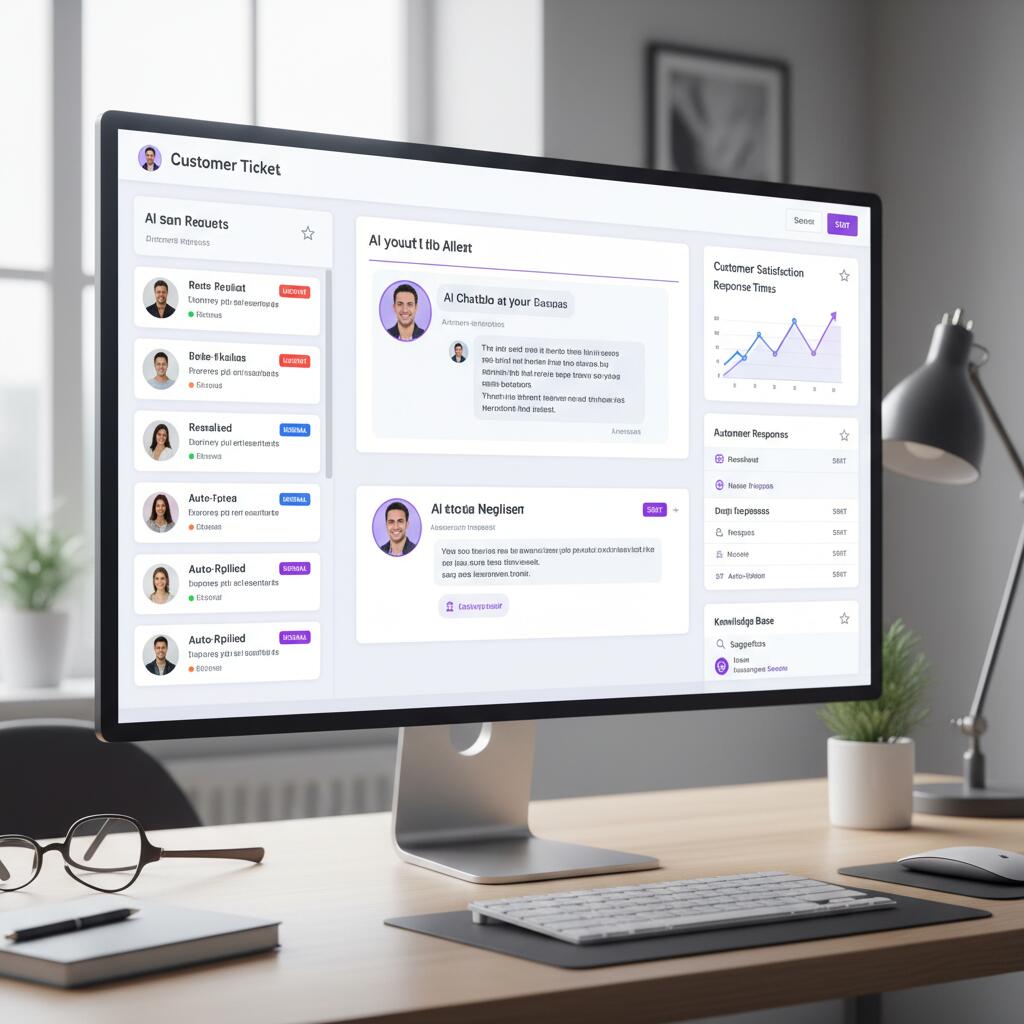
Modern automation platforms combine several technologies: AI chatbots that handle conversations, knowledge bases that provide self-service options, ticket routing systems that direct inquiries to appropriate teams, automated workflows that trigger actions based on conditions, and analytics dashboards that track performance metrics. Together, these components create an intelligent system that learns and improves over time.
How It Works in Practice
When a customer submits a question, the automation system first attempts to match it against known patterns. Simple queries like "Where is my order?" trigger automated responses with tracking information. Moderately complex issues get categorized and routed to specialist teams. Highly complex or emotional inquiries immediately escalate to experienced human agents. According to Gartner research, this hybrid approach resolves 80% of routine inquiries automatically while ensuring customers with serious problems receive immediate human attention.
Key Stat
Companies using customer service automation handle 3x more support tickets with the same team size, according to a 2024 study by McKinsey. Average resolution times drop from 12 hours to under 5 minutes for routine inquiries.
Key Benefits and ROI of Customer Service Automation
The business case for automation is compelling when you examine real-world data. Companies implementing automation report measurable improvements across cost, speed, quality, and scalability within the first quarter.
1. Cost Reduction: 30-40% Lower Support Costs
Manual customer service costs $8-15 per interaction when factoring in agent salaries, training, and infrastructure. Automated responses cost under $0.50 per interaction. For a company handling 10,000 monthly inquiries, automation saves $80,000-140,000 annually. Even after accounting for software costs ($600-2,400/year), net savings exceed $70,000 in year one.
2. Speed: 80% Faster Response Times
Traditional support teams respond to tickets in 12-24 hours during business hours. Automated systems respond in under 5 seconds, 24/7/365. According to Zendesk data, 60% of customers expect responses within one hour. Automation makes this standard, not exceptional.
3. Quality: 45% Improvement in Satisfaction Scores
Automated responses are consistent, accurate, and available instantly. Human agents provide empathy but make mistakes when tired or undertrained. The optimal combination uses automation for routine tasks and humans for complex issues, delivering consistently high-quality service. Studies show CSAT scores improve 35-45% when companies implement this hybrid model correctly.
4. Scalability: Handle 10x Volume Without Hiring
During peak seasons or viral growth, support volume can spike 5-10x. Hiring and training new agents takes weeks. Automation scales instantly. Companies using automation handle Black Friday traffic spikes, product launches, and crisis situations without emergency hiring or service degradation.
Real-World Example
An e-commerce company with 50,000 monthly orders implemented Zendesk automation and FeedGuardians for social media support. Within 3 months, they reduced support costs from $45,000/month to $28,000/month while handling 40% more tickets. CSAT scores increased from 72% to 89%. Total ROI: $204,000 in year one.
6 Types of Customer Service Automation
Customer service automation isn't one-size-fits-all. Different tools automate different aspects of the support process. Understanding these categories helps you build a comprehensive automation strategy.
1. Chatbots and Conversational AI
AI-powered chatbots handle text-based conversations on websites, apps, and messaging platforms. Modern chatbots use natural language processing to understand intent, context, and sentiment. They can answer questions, collect information, schedule appointments, and escalate complex issues to humans. Best for: handling FAQ questions, qualifying leads, and providing 24/7 support.
2. Knowledge Base and Self-Service Portals
Comprehensive help centers allow customers to find answers without contacting support. Smart search functionality suggests relevant articles based on keywords. Well-designed knowledge bases deflect 30-50% of incoming tickets. Best for: documenting common issues, product tutorials, and troubleshooting guides.
3. Ticket Routing and Prioritization
Intelligent routing systems analyze ticket content, customer history, and agent expertise to assign inquiries optimally. Priority algorithms ensure urgent issues get immediate attention while routine requests queue appropriately. Best for: large support teams with specialized agents and high ticket volumes.
4. Automated Email Responses
Triggered email workflows send confirmation messages, status updates, and follow-ups automatically based on predefined conditions. Customer actions like purchases, support requests, or account changes trigger relevant emails without manual intervention. Best for: order confirmations, shipping updates, and post-resolution surveys.
5. Social Media Automation
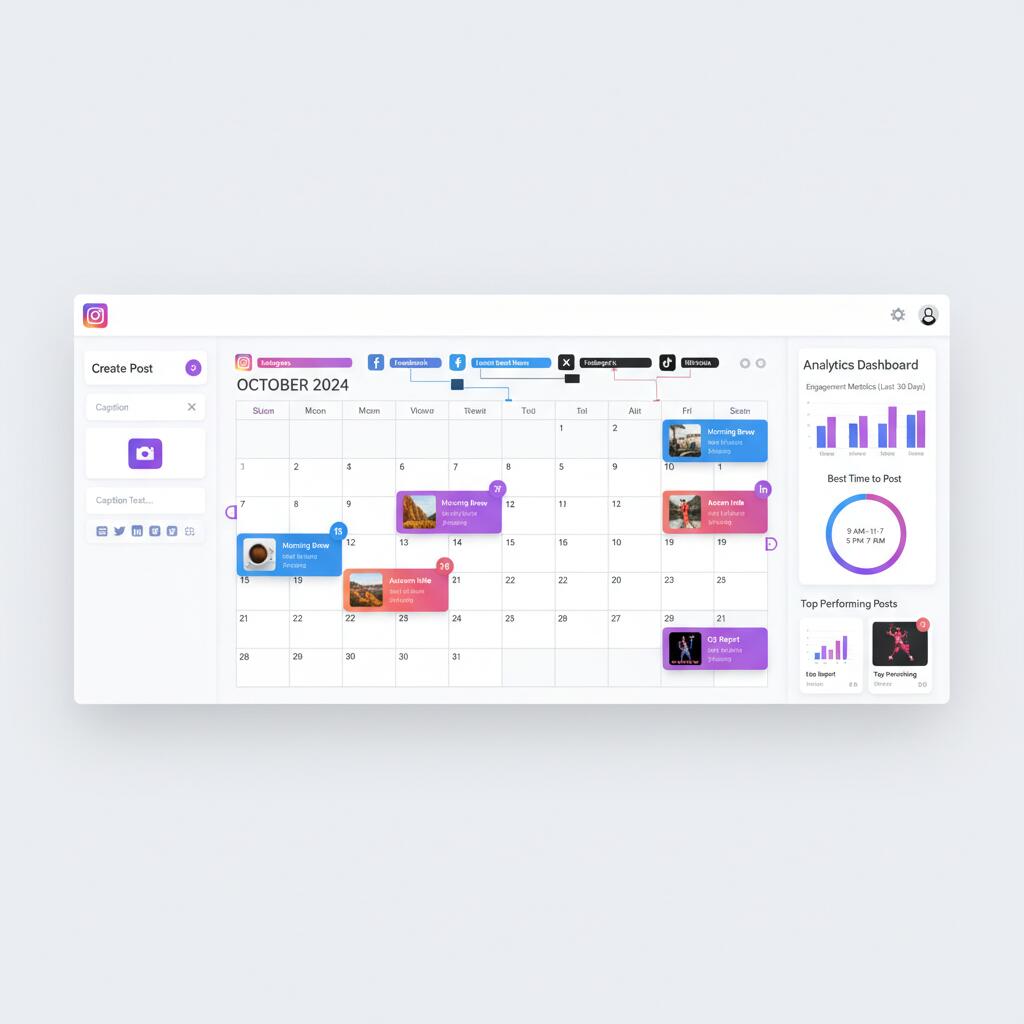
Brands receive hundreds of social media comments and messages daily. Tools like FeedGuardians automatically moderate comments, filter spam, detect sentiment, and respond to common questions. This protects brand reputation while reducing manual monitoring time by 80%. Best for: brands with active social media presence receiving 50+ daily comments.
6. Voice IVR (Interactive Voice Response)
Modern IVR systems use speech recognition to understand caller intent and route calls or provide automated responses. Advanced systems integrate with CRM data to personalize experiences. While 67% of customers prefer digital channels, phone support remains critical for complex issues. Best for: businesses with high call volumes and clear routing needs.
Best Customer Service Automation Tools for 2026
After evaluating 30+ platforms, these tools deliver the best combination of features, ease of use, and ROI for businesses of different sizes.
1. Zendesk Suite
Pricing: Starting at $55/agent/month
Zendesk offers the most comprehensive automation platform with AI-powered chatbots, ticket routing, knowledge base, and workflow automation. The Suite plan includes email, chat, voice, and social media support. Advanced AI features predict customer needs and suggest responses to agents. Over 160,000 companies use Zendesk, making it the industry standard for mid-to-large businesses.
Best for: Medium to large businesses needing comprehensive omnichannel support automation with advanced AI capabilities.
2. Intercom
Pricing: Starting at $29/seat/month (Essential plan, billed annually)
Intercom excels at conversational support with its AI-powered messenger, chatbot builder, and proactive messaging. The platform combines support, marketing, and sales tools in one interface. Fin, Intercom's AI agent, resolves 50% of support questions immediately. Strong product tour and onboarding features make it popular with SaaS companies.
Best for: SaaS companies and tech startups wanting conversational support with strong product engagement features.
3. Freshdesk
Pricing: Free plan available, paid plans from $15/agent/month
Freshdesk provides excellent value with robust automation at affordable prices. Features include AI-powered ticket assignment, canned responses, SLA management, and collaborative inbox. The free plan supports up to 10 agents, making it ideal for small teams. Freddy AI chatbot handles routine inquiries across channels.
Best for: Small to medium businesses seeking affordable, full-featured helpdesk automation with generous free tier.
4. HubSpot Service Hub
Pricing: Starting at $15/month (2 users included, Starter plan, billed annually)
HubSpot Service Hub integrates seamlessly with HubSpot's CRM, marketing, and sales tools. Automation includes ticket routing, chatbots, knowledge base, and customer feedback surveys. The unified platform provides complete customer journey visibility. Particularly strong for companies already using HubSpot for marketing or sales.
Best for: Companies using HubSpot ecosystem wanting integrated customer service automation with CRM data.
5. FeedGuardians ⭐ Best for Social Media
Pricing: Starting at $49/month
While traditional helpdesks handle email and chat, FeedGuardians specializes in automating social media customer service. The platform uses AI to moderate comments, detect spam, analyze sentiment, and respond automatically on Instagram, Facebook, TikTok, and YouTube. Brands using FeedGuardians save 15-20 hours weekly on social media monitoring while improving response times from hours to seconds.
Best for: E-commerce brands, influencers, and businesses receiving 100+ social media comments daily who need specialized social automation.
Implementation Guide: Launch Automation in 4 Phases
Successful automation requires strategic planning, not just technology deployment. Follow this proven four-phase framework to implement automation that delivers measurable results.
Phase 1: Audit and Planning (Week 1-2)
Start by analyzing your current support operation. Track these metrics for 30 days: total ticket volume, average response time, resolution time, ticket categories, and agent time spent per category. Identify the 20% of questions that account for 80% of volume. These are your automation priorities. Calculate current costs per ticket to establish ROI baseline.
Phase 2: Foundation Setup (Week 3-4)
Select your automation platform based on needs, budget, and technical capability. Configure basic automation first: automated email acknowledgments, canned responses for common questions, and simple chatbot for FAQs. Build knowledge base articles for top 10-15 issues. Set up basic ticket routing rules. Don't try to automate everything immediately.
Phase 3: Advanced Automation (Week 5-8)
With foundations working, add sophisticated workflows: intelligent ticket routing based on content and customer history, AI chatbot training on your specific use cases, automated follow-up sequences, and integration with CRM and order management systems. Train AI on historical conversations to improve accuracy. Set up escalation rules for complex issues.
Phase 4: Optimization (Ongoing)
Monitor automation performance weekly. Track resolution rate (percentage of inquiries resolved without human intervention), customer satisfaction scores, average handling time, and cost per ticket. Continuously refine chatbot responses based on misunderstandings. Update knowledge base articles as products evolve. Review escalation patterns to identify new automation opportunities.
Implementation Tip
Most companies overestimate how much to automate initially and underestimate ongoing optimization needs. Start with 3-5 high-volume, low-complexity use cases. Achieve 90%+ accuracy before expanding. Plan for 2-4 hours weekly of refinement time in the first quarter.
Frequently Asked Questions
What is customer service automation?
Customer service automation uses AI and software to handle repetitive support tasks without human intervention. This includes automated responses to common questions, ticket routing, chatbot conversations, and self-service portals. Studies show automation can reduce response times by 80% while cutting support costs by 30-40%.
How much does customer service automation cost?
Customer service automation costs range from $15/month for basic tools like Freshdesk and HubSpot Starter to $400+/month for enterprise platforms. Most small to medium businesses spend $50-200/month. ROI is typically achieved within 2-3 months through reduced staffing needs and faster resolution times.
What tasks can be automated in customer service?
Common automated tasks include answering FAQ questions, routing tickets to appropriate teams, sending order status updates, collecting customer information, scheduling appointments, processing refunds, and providing product recommendations. According to Gartner, 80% of routine customer service interactions can be handled by automation.
Will automation replace human customer service agents?
No. Automation handles routine tasks, allowing human agents to focus on complex issues requiring empathy and problem solving. Research shows customers prefer a hybrid model where AI handles simple requests while humans manage escalations. The most successful companies use automation to augment, not replace, their support teams.
How long does it take to implement customer service automation?
Basic automation can be set up in 1-2 weeks, including chatbot deployment and automated email responses. Full implementation with advanced AI, custom workflows, and team training typically takes 4-8 weeks. Most businesses see measurable results within the first month of deployment.
Ready to Automate Your Customer Service?
Join 500+ brands using FeedGuardians to automate social media customer service. Save 20+ hours weekly while improving response times and customer satisfaction.
Setup in 5 minutes • Cancel anytime