
Quick Summary
| Key Insight | What You Need to Know |
|---|---|
| Go back to the | Go back to the spot where the original comment was and click the same three-dot menu (•••). |
| The option will now | The option will now say "Unhide comment." |
| Select it, and the | Select it, and the comment will pop right back into view for everyone. |
Managing a comment section on Facebook isn't just about deleting spam. Sometimes, the best move is a more subtle one: hiding the comment. It's a surprisingly effective way to clean up your posts without escalating a situation.
The quickest way to do this is to click the three-dot menu next to any comment and choose Hide comment. That's it. The comment vanishes for everyone else, but the original poster and their friends can still see it, none the wiser.
Why You Should Hide a Comment (Instead of Deleting It)
So, when should you hide a comment instead of hitting that delete button? Think of hiding as your first line of defense in community management. It's a fantastic tool for de-escalating a potentially heated situation.
When you delete a comment, the user knows it's gone. This can sometimes provoke them, leading to angry follow-up comments or messages. Hiding completely sidesteps that conflict. Because the comment is still visible to them, they often assume they’ve been heard and move on, never realizing their comment is invisible to your wider audience. This is perfect for handling subtle spam, off-topic rants, or mildly negative remarks that don't quite break your rules but derail the conversation.
Essentially, hiding a comment is a quiet, effective way to maintain a positive and relevant discussion on your posts. You clean up the public view without starting a fight.
Hide vs. Delete vs. Restrict: Choosing Your Move
Your moderation strategy really comes down to context. Is someone being overtly abusive, or are they just posting a link to their SoundCloud? The right action depends entirely on the situation.
As this flowchart shows, hiding is often the best choice for spam or irrelevant comments. Deleting should be reserved for comments that clearly violate your community guidelines or Facebook’s policies—think hate speech or serious harassment.
In some extreme cases, you might not want any comments at all. For those situations, we have a complete guide on how to disable comments on Facebook.
Facebook Comment Moderation Actions Compared
To make it even clearer, here’s a quick breakdown of what happens when you take action on a comment.
| Action | Visibility to Public | Visibility to Commenter | Is the Commenter Notified? |
|---|---|---|---|
| Hide | Invisible | The comment and replies remain visible | No |
| Delete | Invisible | Invisible | No |
| Restrict | Future comments are hidden by default from public | Comments appear normal to them | No |
| Ban | All past and future comments are gone from public | All past and future comments are gone | No |
This table really highlights why hiding is such a useful tool. It achieves the goal of cleaning up your feed without notifying or antagonizing the user, which is a win-win for any page manager.
Hiding Comments on Your Personal Facebook Profile
Keeping your personal timeline positive is a big part of enjoying Facebook. When a random comment throws off the vibe of a post, knowing how to hide it gives you a quick and quiet fix. Thankfully, it’s just as easy to do on your phone as it is on a computer.
Whether you're using the mobile app or the desktop site, the process is pretty much the same. First, find the comment you want to get rid of. Look for the three-dot menu icon (•••) right next to it. Give that a click or a tap, and a little menu will pop up.
In that menu, just choose "Hide comment." And that's it—the comment vanishes for everyone else looking at your post. The cool part is, the person who wrote it (and their friends) can still see it, which helps you avoid any awkward "did you delete my comment?" conversations. This is a subtle but powerful part of smart comment moderation because it lets you de-escalate without making a scene.
This sketch gives you an idea of what that menu looks like on the mobile app once you tap the three dots.
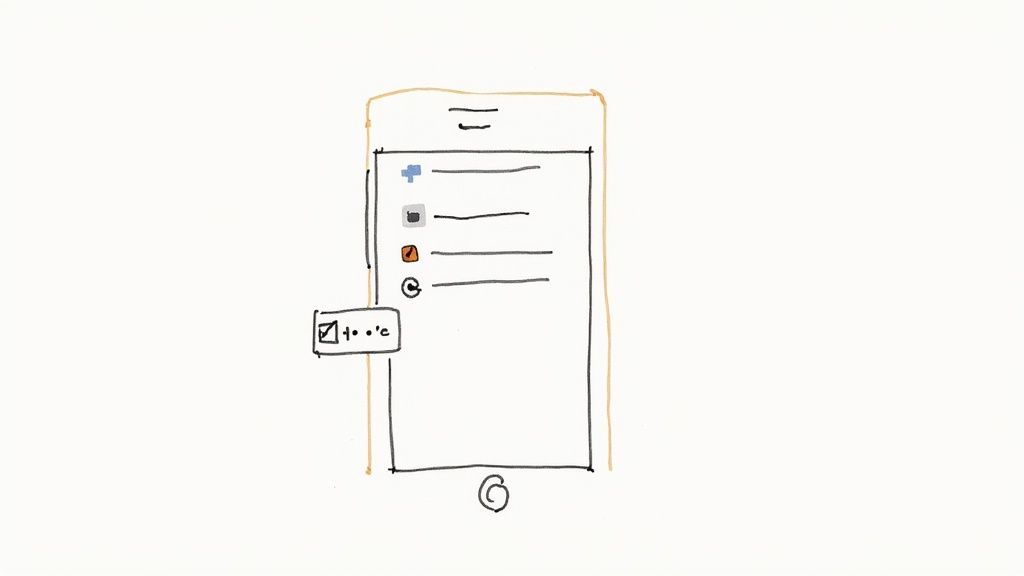
The "Hide comment" option is a perfect one-tap solution for tidying up your personal space without taking more drastic steps like deleting the comment forever or blocking the person.
What If I Change My Mind? Finding and Unhiding Comments
So, what happens if you hide a comment by accident or just decide it wasn't so bad after all? No problem. Facebook makes it simple to go back and undo it. You can easily find your hidden comments and make them public again.
To unhide a comment on one of your posts:
- Go back to the spot where the original comment was and click the same three-dot menu (•••).
- The option will now say "Unhide comment."
- Select it, and the comment will pop right back into view for everyone.
Key Takeaway: Hiding comments on your personal profile isn't permanent. This flexibility gives you total control over the conversations happening on your timeline, letting you curate a more positive space without having to delete things for good. You can always change your mind later.
Managing Comments on Your Facebook Page and Group
When you're running a Facebook Page or Group, you're not just managing a profile—you're nurturing a community. It's a totally different ballgame. For any brand or community builder, the comment section is a direct reflection of your brand's health and how responsive you are.
Of course, you can always hide comments one by one, but that's not a sustainable strategy. Manually zapping every spammy or nasty comment just isn't scalable, especially once your page gets traction. The real power comes from shifting from a reactive mindset to a proactive one using automation.
This is where Facebook's own tools come in handy. By setting them up correctly, you can let them automatically handle the most common problems, freeing you up to focus on what really matters: genuine conversations with your audience.
Putting Moderation Assist to Work
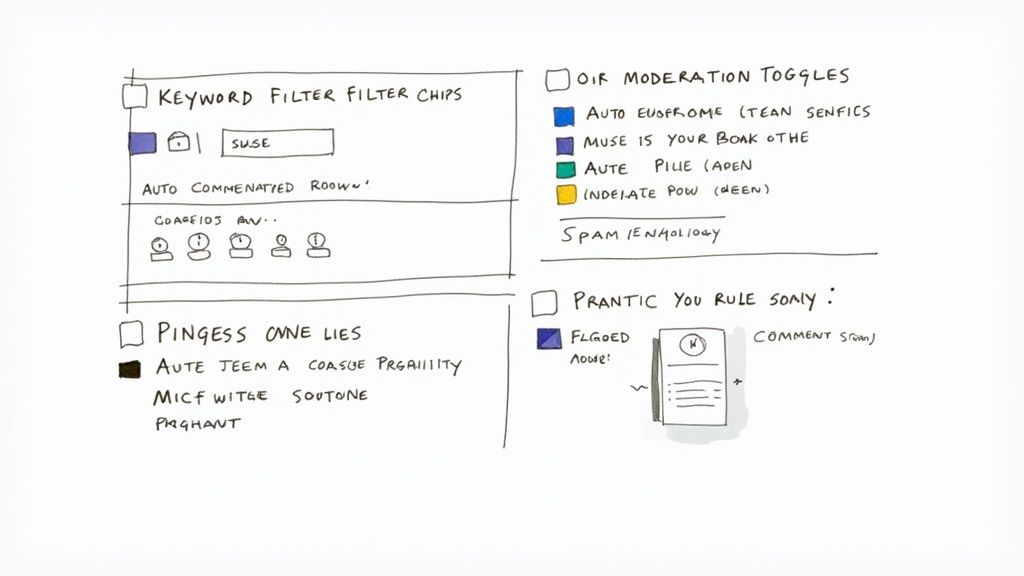
For anyone running a Page, Facebook's Moderation Assist is your first line of defense. It's a powerful built-in feature that lets you create a set of rules to automatically hide unwanted comments. Think of it as a 24/7 moderator that keeps your comment sections clean so you don't have to.
You can set up Moderation Assist to automatically hide comments based on specific criteria. Some of the most useful rules include:
- Comments with Links: This is a classic spammer move. Hiding these by default is a huge time-saver.
- Comments with Profanity: You can easily keep the conversation civil by filtering out a wide range of offensive language.
- Comments with Specific Keywords: This is where you can get really creative. Build a custom list of words, phrases, or even emojis to automatically hide. This could include competitor names, common scam phrases, or anything else you don't want to see.
With a staggering 3.07 billion monthly active users on the platform, you can imagine the sheer volume of content being posted. The scale of the problem is huge—in just one quarter of 2022, Facebook removed about 1.4 million pieces of spam. This just goes to show why you need robust filters in place.
Getting these rules set up is pretty straightforward right within your Page’s settings. A well-curated blocklist stops problematic comments in their tracks, long before they can do any damage to your brand’s reputation.
Building Your Custom Keyword Blocklist
Crafting an effective keyword list isn't a one-and-done task; it's something you'll refine over time. But it’s absolutely one of the best things you can do for your moderation efforts.
Start with the basics—profanity, slurs, and common spam phrases ("free followers," "DM me," etc.). But don't stop there.
Pro Tip: Get specific to your industry. If you sell high-end handbags, you might want to block keywords related to knockoffs or counterfeit goods. If you’re a local coffee shop, maybe you temporarily hide comments that mention a rival shop down the street that’s running a big promotion.
This kind of proactive management saves you countless hours of manual work. Instead of waking up to a mess of spam comments, you can have confidence that your automated rules have already taken care of business. For a more detailed look at the strategy behind this, our guide on Facebook comment moderation in 2025 is a great next read.
Ultimately, this is all about keeping your community safe and positive, which in turn encourages the kind of productive conversations you actually want to have.
Protecting Your Facebook Ad Campaigns from Negative Comments
https://www.youtube.com/embed/gN7ibEoFfaw
When you're paying to promote a post, negative comments are more than just annoying—they actively sabotage your ad spend. Every dollar you put behind an ad that's getting flooded with angry feedback is a dollar wasted. This is why a solid moderation plan isn't just nice to have; it's essential for protecting your investment.
Your command center for this is the Meta Business Suite. It pulls all the comments from your different ad creatives into one unified inbox. Forget hunting down individual ads; you can manage everything from one clean dashboard, which makes the whole process way more efficient.
This single view is a lifesaver for dealing with everything from legitimate customer issues to spammy competitor attacks. It lets you respond quickly where needed and quietly hide comments that are just there to cause trouble. For a broader view of your online presence, you might also consider a reputation monitoring service to stay on top of brand mentions everywhere.
Automating Your Ad Comment Moderation
Let's be real: you can't sit there and manually hide comments on a dozen different ads all day. That's just not going to work. The real magic happens when you set up automated rules and keyword blocklists that protect all your campaigns at once, 24/7.
Think of your Page's built-in moderation settings as your first line of defense. You can tell it to automatically hide comments that contain certain words, links, or profanity.
Here's how to get started:
- Build a strong keyword blocklist. This should include competitor names, common spam phrases (think "DM me for info" or "free crypto"), and any specific terms related to product issues you don't want amplified on a paid ad.
- Block all comments with links. Most of the time, links in ad comments are pure spam or phishing attempts. It's often safer to just hide them all by default.
- Be ruthless with trolls and spammers. These accounts can derail your comment section in a hurry. Understanding what's a spam account will help you spot and remove them before they do real damage.
Setting up these automated filters is a game-changer. It ensures your ad budget is actually spent on attracting real customers and driving positive engagement, not on hosting a platform for trolls. This proactive approach keeps your campaigns clean and your ROI healthy.
Building a Healthier Comment Section Proactively
Spending all your time putting out fires in the comments is exhausting. The real win isn't just getting good at hiding comments; it's creating a community where you barely have to. This means shifting your mindset from being a moderator to being a leader.
A healthy online space starts with clear expectations. Your first move should be to create and pin a post spelling out your community guidelines. This sets a firm, fair tone right from the get-go.
Lead by Example
People follow your lead. The way you act in your own comment section sets the standard for everyone else. When you make a point to engage with positive, helpful comments and answer questions quickly, you’re actively showing what a good interaction looks like. It's a simple step, but it often nips negativity in the bud.
Even Facebook’s policies try to balance open expression with preventing harm. The platform actually encourages advertisers to reply to comments within 24 hours, as this not only fosters better discussion but can also boost your post's visibility. For a deeper dive into these policies, check out HeyOrca's breakdown of recent social media news.
A proactive moderation strategy is about nurturing the community you want, not just policing the one you have. By setting clear rules and rewarding positive engagement, you naturally discourage trolling and spam over time.
Focusing on building a positive community, rather than just reacting to negative comments, will drastically cut down on your moderation work in the long run. More importantly, it helps build a place where people actually want to have a respectful conversation.
Got Questions? Here Are the Answers
Even with a solid plan, you're bound to run into specific situations when managing your Facebook comments. Let's tackle some of the most common questions that pop up.
Will Someone Know if I Hide Their Comment?
Nope. When you hide a comment, the original poster has no idea.
From their screen, everything looks normal. They can still see their comment, and so can their friends. This is precisely why hiding is such a great first move—it cleans up your comment section without escalating the situation or sparking unnecessary drama. The person simply assumes their comment is still visible to everyone.
Can I Automatically Hide Comments with Certain Words?
You absolutely can, but only for Facebook Pages and Groups. Unfortunately, personal profiles don't have this feature, so you're stuck hiding comments manually one by one.
For Pages and Groups, you can use Facebook’s built-in Moderation Assist tool. It lets you create rules to automatically hide comments that include:
- Specific words or phrases you choose (like "scam" or competitor names)
- Profanity
- Links to other websites
This is a lifesaver for catching spam and other unwanted comments before they cause trouble.
Should I Hide or Delete a Comment? What's Better?
It really comes down to the comment itself and what you're trying to achieve.
Hiding is your best bet for things like off-topic chatter, soft spam, or mild negativity. It’s a quiet, clean solution because the user isn't notified, which prevents them from getting defensive and posting again.
Deleting is a much more final action. You'll want to save this for the serious stuff—comments that are abusive, harassing, or clearly violate your community guidelines. It removes the content for good, but just be aware that it can sometimes provoke the person who posted it.
Expert Tip: Think of hiding as a discreet cleanup tool. Deleting is for taking out the trash. Use hiding for spam and minor issues, and reserve deleting for clear policy violations like harassment or hate speech.
Tired of manually moderating comments?
FeedGuardians automates spam filtering, responds to customers, and protects your brand — setup in 3 minutes.