
Quick Summary
| Key Insight | What You Need to Know |
|---|---|
| Identifying Leads | The system can flag comments that show high purchase intent—think "how much?" or "I need this!"—so your team can follow up immediately. |
| Why Smart Comment Automation Is Now Essential | For any e-commerce brand today, the Instagram comment section isn't just for chatter anymore. It’s become a crucial hub for sales and customer suppo... |
| Choosing The Right Tool For The Job | Picking a tool to automate your Instagram comments is a bigger deal than you might think. Get it right, and you’ll save countless hours. Get it wron... |
| Building Your Foundational Automation Ruleset | Once you've picked your tool, it's time to put it to work. Building your first set of rules for automatic comment Instagram management might seem inti... |
| Advanced Strategies to Humanize Your Automation | Great automation doesn't feel like automation at all. It feels responsive, helpful, and, well, human. Once you've moved past simple keyword triggers, ... |
| How to Measure and Optimize Your Automation ROI | So, you’ve set up your automatic comment system. That’s a great first step, but the real work starts now. An automation strategy is only as good a... |
When you hear about setting up an automatic comment system for Instagram, you might think it's just a shortcut. But it's so much more than that. It’s a strategic way to use approved third-party tools to instantly reply to, hide, or manage comments based on rules you create. Think of it as your first line of defense—and offense—for handling high comment volumes, capturing leads the second they appear, and shielding your brand from spam.
Why Smart Comment Automation Is Now Essential
For any e-commerce brand today, the Instagram comment section isn't just for chatter anymore. It’s become a crucial hub for sales and customer support. Everyone knows that responding to comments builds trust and signals to the algorithm that your content is a winner. But as you grow, keeping up with every single comment manually just isn't realistic.
This is where the shift from tedious manual replies to intelligent automation becomes a necessity, not just a nice-to-have. It empowers your marketing team to jump on leads the moment a user expresses interest.
Imagine someone drops a comment like, "Where can I buy this?" An automated system can immediately post a public reply and, at the same time, slide into their DMs with a direct link to the product. You've just closed the gap between casual interest and a potential sale in seconds.
From Overwhelmed to Optimized
Without a system in place, valuable opportunities are bound to get lost in the noise. When your comments section is flooded, customer questions go unanswered, positive feedback gets overlooked, and nasty spam can start to tarnish your brand's reputation. This is where a smart automatic comment strategy truly changes the game.
Smart automation isn't about replacing human connection; it's about scaling it. It handles the repetitive tasks, freeing up your team to focus on the high-value conversations that truly build community and drive growth.
To really get why this is so important, it helps to understand the bigger picture of what drives real growth and the strategies to improve social media engagement. Automation slots right into these strategies, ensuring you’re having timely and relevant interactions at a scale that a human team simply can't match.
Turning Engagement Data into Action
A great automation tool does more than just fire off replies. It turns your comment section into a goldmine of actionable insights.
Here’s how:
- Filtering Spam: You can set it to automatically hide comments containing spammy links or offensive language. This keeps your community space safe and your brand image spotless. If you're dealing with a lot of this, our guide on bots commenting on Instagram is a great resource.
- Identifying Leads: The system can flag comments that show high purchase intent—think "how much?" or "I need this!"—so your team can follow up immediately.
- Gauging Sentiment: You can also track the overall tone of the comments. Is it positive? Negative? This feedback helps you understand how your audience feels and lets you tweak your content strategy on the fly.
Ultimately, bringing an automatic comment system into your Instagram workflow isn't just about being more efficient. It’s about building a brand that's more responsive, secure, and profitable on a platform where every single interaction counts.
Choosing The Right Tool For The Job
Picking a tool to automate your Instagram comments is a bigger deal than you might think. Get it right, and you’ll save countless hours. Get it wrong, and you could put your entire account at risk. It all comes down to how a tool connects to Instagram.
The only safe bet is to use a platform built on Instagram's official Graph API. These are Meta-approved partners who play by the rules. Anything else is likely using shady methods like scraping, which directly violates Instagram’s terms and can get your account flagged or even shut down.
API-Compliant vs. Non-Compliant Tools
Think of an API-compliant tool as a trusted contractor with a key to your office—they have permission to be there and work within set boundaries. A non-compliant tool is more like a lockpicker trying to sneak in the back door. It might work for a while, but eventually, it’s going to set off some serious alarms.
When you're comparing your options, the distinction between these two approaches is critical for protecting your brand.
Here’s a quick overview of what you're looking at when comparing tools for your business.
| Feature | API-Compliant Tools (e.g., FeedGuardians) | Non-Compliant Tools (e.g., Scrapers) |
|---|---|---|
| Account Security | High. Works within Meta's guidelines, protecting your login credentials. | Low. Often requires your password, posing a significant security risk. |
| Reliability & Uptime | Excellent. Features are stable and consistently supported by Instagram. | Unpredictable. Prone to breaking when Instagram updates its platform. |
| Risk of Suspension | Very Low. Approved by Meta, so your account is safe. | High. Violates Instagram's Terms of Service, leading to penalties. |
| Long-Term Strategy | Sustainable. A reliable foundation for your marketing efforts. | Risky. A short-term gamble that could cost you your account. |
In my experience, cutting corners here just isn't worth it. Investing in a platform that's an official Meta partner is the only way to build a sustainable automation strategy without constantly looking over your shoulder.
What To Look For In An Automation Platform
Once you've narrowed your search to API-compliant tools, you need to dig deeper than just a feature list. The goal is to find a partner that aligns with your business goals and protects your brand’s reputation.
This decision tree gives you a simple visual of how a well-configured system can work, instantly sorting comments to make your team’s life easier.
As you can see, the right automation doesn't just reply—it qualifies, sorts, and streamlines, turning comment sections into a well-oiled machine.
When you’re vetting potential tools, make sure they tick these boxes:
- Official Meta Business Partner Status: This is non-negotiable. If they aren't an official partner, walk away. It’s the only real guarantee of compliance and security.
- Scalability: Will this tool keep up as your brand grows? You need something that can handle a surge in comments without breaking a sweat, whether you get 100 a day or 10,000.
- Plays Well With Others: A great tool should connect to your other marketing systems, like your CRM or helpdesk. Seamless integration is key to a truly automated workflow.
- Deep Customization: Can you create granular rules that match your brand’s unique voice? Your tool should give you full control. For a closer look at what's possible, check out our guide on the top Instagram moderation tools.
Choosing an API-compliant tool isn't just a technical decision—it's a strategic one. You're investing in your brand's reputation and long-term success on a platform where trust is everything.
By making safety and compliance your top priorities, you’re setting the stage for an automatic comment Instagram strategy that not only works but also protects the account you've worked so hard to build.
Building Your Foundational Automation Ruleset
Once you've picked your tool, it's time to put it to work. Building your first set of rules for automatic comment Instagram management might seem intimidating, but it's really about starting smart, not complex. The best approach I've seen is to tackle the most common comments you get every single day. This creates a solid foundation that can immediately handle a huge chunk of your comment volume.
Don't get bogged down trying to build a super-complex, multi-layered system from the get-go. Focus on the low-hanging fruit: the same questions you answer over and over, the praise, and, of course, the inevitable spam. Getting this right from day one frees up your team almost instantly and keeps your brand responsive 24/7.

Tackling Common Customer Questions
Every brand has them. No matter what you post, you're bound to see "How much?" or "Is this in stock?" pop up. For e-commerce brands, these questions about pricing, availability, and shipping are constant. Answering them manually a hundred times a day is a massive drain on resources.
This is where your first, most powerful rule comes into play.
- The Trigger: Start by building a rule that listens for keywords and phrases like "price," "how much," "in stock," or "shipping."
- The Public Action: Configure a quick public reply that acknowledges the question and points them to their inbox. Something simple like, "Great question! We've just sent you a DM with all the details," works perfectly.
- The Private Message: At the same time, the system should send an automated DM. This message can contain a direct link to the product page, your shipping policy, or whatever info they need. This moves the conversation to a private channel where you can close a sale.
This single rule does three things at once: it provides an instant answer, boosts public engagement on your post, and creates a personal touchpoint right in the user's DMs.
Managing Positive and Negative Feedback
How you respond to feedback—both the good and the bad—is a huge part of your brand's reputation. Automation can help you manage both with speed and grace, ensuring no one feels ignored.
Think of your ruleset as a smart triage system. It should know when to celebrate publicly, when to take a conversation private to solve a problem, and when to get rid of harmful content instantly.
For positive comments, you can set up a rule that looks for words like "love," "amazing," or "perfect." The response can be a simple, randomized public reply. I always recommend having at least five variations of your reply, like "So glad you love it!" or "Thanks so much for the kind words!" This keeps the interactions feeling fresh and helps you stay on the right side of Instagram's spam filters.
Handling negative feedback and spam is a bit more delicate. You can dive deeper into protecting your page in our guide on how to deal with spam on Instagram.
Here’s a practical way to set up a rule for negative or spammy comments:
- Build Your Keyword List: Compile a list of trigger words. This includes obvious spam terms ("follow me," "free followers") and any offensive language you want to block.
- Automate Hiding: The first action should be to instantly hide any comment containing these keywords. This cleans up your comments section and protects your community without you having to publicly engage with trolls.
- Create an Escalation Path: For legitimate customer complaints that might use negative words, you can add a second action to notify a specific team member. This allows a real person to jump in and resolve the issue, showing that you’re truly listening.
By starting with these core rules, you’ll have an efficient system that manages the bulk of your comment traffic. This frees up your team to focus on what really matters: building genuine relationships and growing the business.
Advanced Strategies to Humanize Your Automation
Great automation doesn't feel like automation at all. It feels responsive, helpful, and, well, human. Once you've moved past simple keyword triggers, you can start building a system that delivers a genuinely exceptional customer experience. The real magic happens when your automatic comment Instagram setup learns to add layers of intelligence and context to its responses.
Think of it as teaching your system to read between the lines. It's about understanding not just what a user says, but what they truly mean. By analyzing the sentiment and intent behind a comment, your automation can craft replies that feel perfectly in tune with the user's emotional state and what they're trying to accomplish.
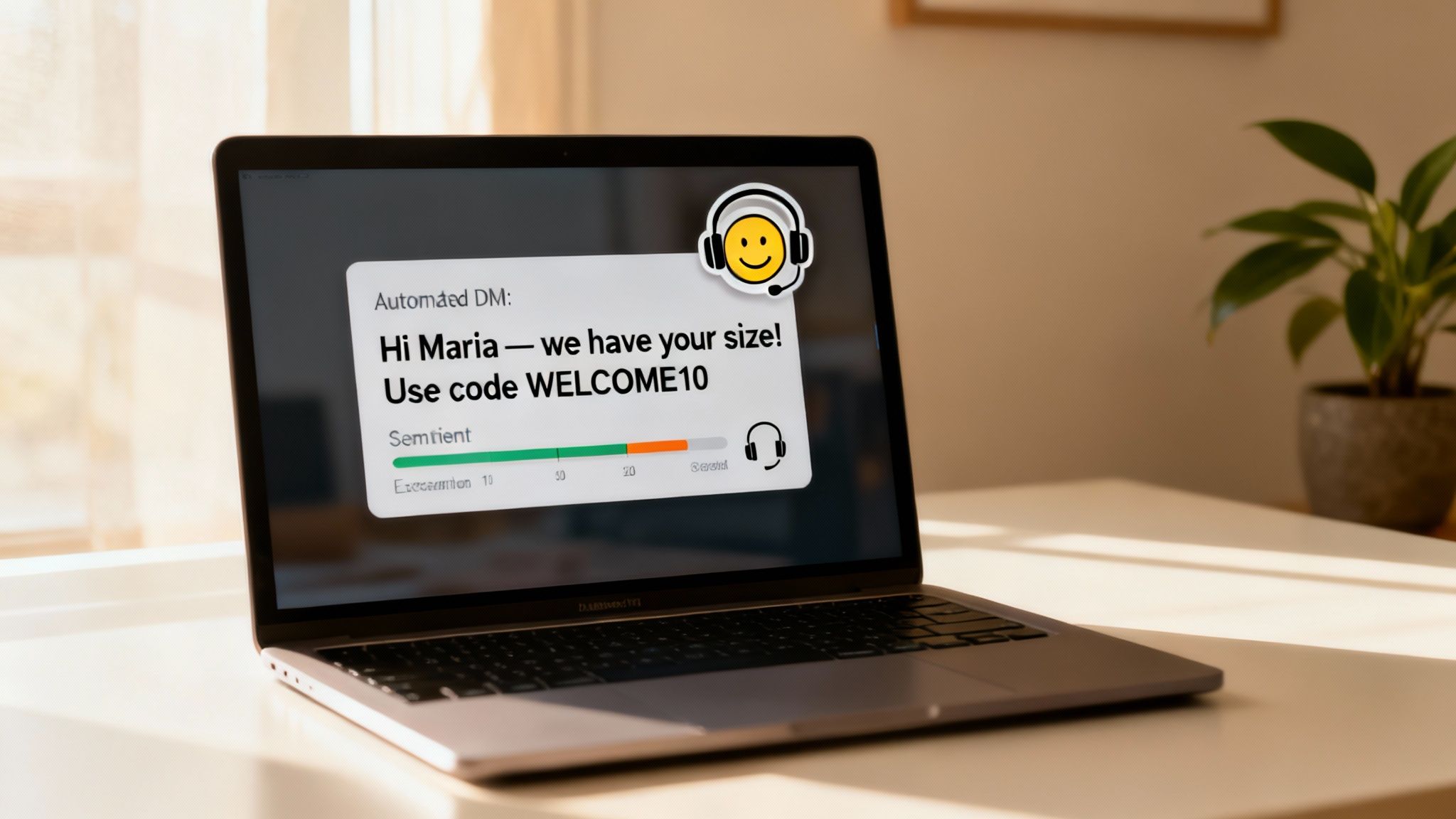
Reading the Room with AI: Intent and Sentiment Analysis
Modern automation tools can tell if a comment is positive, negative, or neutral. This single capability opens up a world of possibilities for building smarter, more sophisticated rules. For interactions that feel almost indistinguishable from a real person, you can even integrate a ChatGPT chatbot to deliver highly contextual and natural-sounding replies.
Let's look at a practical example. A comment like, "Wow, I need this!" screams purchase intent. A well-tuned automation rule can:
- Pinpoint the positive sentiment and clear intent.
- Instantly slide into their DMs with a message like, "We saw your comment and thought you'd love this! Here's a 10% discount to make it yours."
On the flip side, imagine a user comments, "My order still hasn't arrived." The system should immediately recognize the negative sentiment. Instead of a canned public reply, it can hide the comment to protect your brand's reputation and send a private DM that says, "We're so sorry to hear this. I've flagged this for our support team, and someone will be in touch shortly to sort it out." This simple action de-escalates a potentially public issue and shows you're on top of it.
Turning Comments into Conversions with Interactive Campaigns
Your comment section is more than just a place for conversation—it's a powerful engine for driving action. By running interactive campaigns like comment-to-win giveaways or flash sales, you can transform passive engagement into tangible leads and sales.
And the results speak for themselves. Comment-to-DM automation regularly sees 10-25% click-through rates on links sent via direct message. That's a huge jump from the typical 2-5% you might get from a standard link in bio. We're talking about a potential 200-400% improvement in conversion efficiency, simply by capturing users at their peak moment of interest.
Treat your comment section like an interactive funnel. Automation builds a seamless, scalable path that turns casual followers into active customers.
For example, try creating a post with a call to action like, "Comment with your favorite emoji to get our new guide!" Your automation rule triggers on any emoji, instantly delivering the guide via DM. In one frictionless step, you've boosted your post's engagement, delivered value, and collected a warm lead. It's strategies like these that make your automation work smarter, not just harder.
How to Measure and Optimize Your Automation ROI
So, you’ve set up your automatic comment system. That’s a great first step, but the real work starts now. An automation strategy is only as good as the results it delivers, and if you aren’t tracking performance, you’re just guessing.
The key is moving past vanity metrics. Sure, knowing you auto-replied to 1,000 comments is interesting, but it doesn't tell your boss anything about business value. You need to connect your automation efforts to tangible outcomes that actually matter to the bottom line. Without that, you can't prove your ROI or make smart decisions about what to tweak next.
Identifying Your Core Automation KPIs
To really get a grip on what's working, you need to track metrics that tie back to efficiency, engagement, and most importantly, revenue. Don't try to track everything at once. Start with a few KPIs that paint a clear picture of business impact.
Here are the metrics I always recommend marketing teams keep a close eye on:
- Reduction in Manual Moderation Hours: This is your most straightforward win. Calculate the time your team is no longer spending hiding spam or typing out the same answer to "Price?" a hundred times a day. This is pure efficiency gain you can put a dollar value on.
- Lead Capture Rate from Comments: How many of those "I want one!" or "How much?" comments actually turned into a DM conversation, a link click, or a sale? This KPI directly connects your automation to your sales pipeline.
- Sentiment Score Improvement: A clean, positive comment section is invaluable. When you’re automatically zapping spam and negative comments, the overall vibe of your posts improves. You can learn more about how to measure this by exploring some powerful social media sentiment analysis tools.
Using Analytics to Refine Your Ruleset
Your automation tool's dashboard is where the magic happens. This isn't just a place to see numbers; it's your command center for making your system smarter over time.
For instance, are you seeing a low click-through rate on the link you send in your automated DMs? That’s not a failure—it’s a bright, flashing sign that your message isn't resonating. Maybe the call-to-action is weak, or the tone is off. Time to A/B test a new one.
Your data tells a story about what your audience actually wants. A rule that isn't performing well is a gift. It's a clear opportunity to adjust your messaging and better serve your customers.
This constant cycle of tweaking and testing is also how you stay on the right side of the Instagram algorithm. Meta has been very clear that its algorithm rewards content that drives real interaction. We've all seen how Instagram’s algorithm measures engagement to decide what content gets pushed out. As you fine-tune your automation to be genuinely helpful, you’re sending strong signals to Instagram that your account is a hub for quality engagement, which can do wonders for your organic reach.
At the end of the day, measuring your ROI is about proving that your automatic comment system is making your brand more efficient, more responsive, and more profitable. By focusing on the right KPIs and never stop optimizing, you can transform your comment section from a chore into a reliable growth engine for your business.
Common Questions About Instagram Comment Automation
Jumping into any new system is bound to bring up a few questions. When it comes to setting up automatic comment Instagram strategies, I've found that most social media managers and e-commerce teams run into the same handful of concerns. Getting straight answers is key before you overhaul your community management workflow.
This isn't just about flicking a switch and hoping for the best. It's a strategic move to manage your community more efficiently. So let's tackle the biggest questions head-on so you can move forward with confidence.
Can Instagram Ban My Account for This?
The short answer is a reassuring no—as long as you use the right tool. The real risk of an account ban comes from shady, unauthorized services that violate Instagram's Terms of Service. These often scrape data or, even worse, ask for your password.
But here's the good news: using an officially approved Meta Business Partner is completely safe. These platforms, like FeedGuardians, are built on Instagram's official Graph API. That means they play by the rules, respect all the platform’s limits, and operate with Meta's blessing. This official partnership is your guarantee that your account is secure.
Will My Brand Seem Robotic and Inauthentic?
I get it. The word "automation" can conjure up images of clunky, impersonal bots. But it only feels that way when it's done poorly. The secret to making it work is creating smart, context-aware rules that genuinely improve the user experience.
The goal of automation isn’t to replace human connection but to scale it. It should handle the simple, repetitive tasks so your team can focus on the conversations that truly matter.
Modern tools let you craft a library of varied, helpful responses that perfectly match your brand's voice. A great starting point is to automate replies for common questions—think things like "How much is this?" or "Do you ship to Canada?" Meanwhile, you can set up rules that flag complex or emotional comments for a real person on your team to handle personally.
How Should I Handle Negative or Spam Comments?
This is where automation really shines and becomes a superpower for brand protection. You can build rules that instantly hide comments containing spammy links, offensive language, or any specific keywords you want to filter out. We cover this in-depth in our guide on how to hide comments on Instagram.
For legitimate negative feedback, a powerful strategy is to automate a two-step process. First, the system can immediately hide the public comment to protect your brand's image. At the same time, it can trigger an automatic DM to the user, saying something like, "We're sorry to hear you had this experience and want to make it right. A team member will reach out to you from this chat shortly." This approach contains the issue privately while making the customer feel heard.
Ready to protect your brand and turn your comments into conversions? FeedGuardians offers AI-powered automation to hide spam, capture leads, and provide instant support, all while keeping your brand voice authentic. Discover how it works at https://feedguardians.com.
Tired of manually moderating comments?
FeedGuardians automates spam filtering, responds to customers, and protects your brand — setup in 3 minutes.