
Quick Summary
| Key Insight | What You Need to Know |
|---|---|
| Allow story replies from everyone | This is the wide-open, default setting. |
| Allow story replies from people you follow | This is a nice middle ground, limiting replies to a more trusted group. |
| Don't allow story replies | This is the one you’ll pick to turn off all replies. |
If you want to stop replies on your Instagram Stories entirely, the path is straightforward: head to Settings and privacy, tap on Messages and story replies, then find Story reply controls. From there, just select "Don't allow story replies." This single setting puts a stop to all incoming DMs from your Stories, giving you full control.
When Disabling Story Replies Is a Smart Move
Instagram Stories can be a fantastic way to connect with your audience, but sometimes an open-door policy for replies just isn’t practical. Knowing when to shut them off is a strategic move, not a sign you’re avoiding your followers. For brands, this decision often goes hand-in-hand with a wider strategy that includes using social media monitoring tools to keep an eye on brand mentions and sentiment.
Think about it. Maybe you’re launching a surprise product and want to keep spoilers from popping up in your DMs. Or perhaps your brand is dealing with a sensitive topic and you need to keep the conversation focused and on-message. In these situations, turning off replies temporarily is a smart way to protect your brand and your strategy.
Practical Scenarios for Disabling Replies
Turning off replies can also be a savvy move during really busy times. Say you're running a flash sale. Instead of getting swamped with hundreds of individual DMs, you can switch off replies and direct everyone to a single support link in your bio. This keeps your customer service organized and makes sure no one's question gets lost in the chaos.
By funneling all communication to one place, you can actually improve response times and give your customers a much better experience when things get hectic.
And let's be honest, sometimes your social media team just needs a break. The constant stream of notifications can be draining. Scheduling a few "quiet" hours by disabling replies can be a simple but effective way to prevent burnout and keep your team fresh.
Making an Informed Decision
With over 500 million people using Stories every single day, the potential for interaction is huge. In fact, one in five stories gets a direct message, and 62% of users say they become more interested in a brand after seeing it in a Story. Knowing how to manage that flood of communication is key. It’s also important to shield your account from spam, which means understanding how to handle things like bots commenting on Instagram.
Your Guide to Turning Off Instagram Story Replies

So, you've decided to turn off replies—a great move for focusing your community's interactions or just getting a break from a flooded inbox. Thankfully, Instagram makes this a pretty painless process. The steps are identical whether you're on an iPhone or an Android, so you can follow along on any device.
Finding Your Reply Settings
First things first, you’ll need to head over to your main profile page. From there, tap the hamburger menu (the three horizontal lines) in the top-right corner. This will pop open the main menu, where you'll want to find and select Settings and privacy.
You're now in the main control room for your account. It can look a bit overwhelming, but just scroll down until you see the "How others can interact with you" section. The setting you're looking for is right at the top: Messages and story replies.
Give that a tap. This is where you manage all your incoming DMs and story interactions—a really important spot for setting boundaries with your audience. Inside this menu, choose Story reply controls to get to the final screen.
Picking the Right Reply Level for You
Here, you'll see three simple options that give you full control over who can slide into your DMs from a Story. To shut them down completely, the choice is clear.
Your options are:
- Allow story replies from everyone: This is the wide-open, default setting.
- Allow story replies from people you follow: This is a nice middle ground, limiting replies to a more trusted group.
- Don't allow story replies: This is the one you’ll pick to turn off all replies.
When you select "Don't allow story replies," Instagram will completely remove the message bar from your Stories. No one will have the option to reply. This setting sticks for all future Stories until you manually come back here to change it.
If you just want to find these settings fast, here's a quick cheat sheet to get you there.
Quick Path to Your Story Reply Settings
This table breaks down the simple click-path to find the story reply settings from your profile page.
| Step | Action to Take | What to Look For |
|---|---|---|
| 1 | Go to your profile page | Your profile picture and bio |
| 2 | Tap the hamburger menu | Three horizontal lines in the top-right corner |
| 3 | Select Settings and privacy | The gear icon |
| 4 | Tap Messages and story replies | Under "How others can interact with you" |
| 5 | Choose Story reply controls | The final option in the menu |
Once you’re in, just pick the setting that makes the most sense for you right now.
Remember, turning off replies completely is just one tool in your toolbox. There are many ways to handle engagement. If you want to dive deeper into the nuances, you can learn more about commenting on Instagram stories and find a strategy that really clicks with your brand.
For those who want to keep the conversation going but can't keep up with the noise, a service like FeedGuardians can be a lifesaver. It works in the background to hide spam and flag important customer messages, letting you engage without getting bogged down by the manual work.
Choosing Who Can Reply to Your Stories
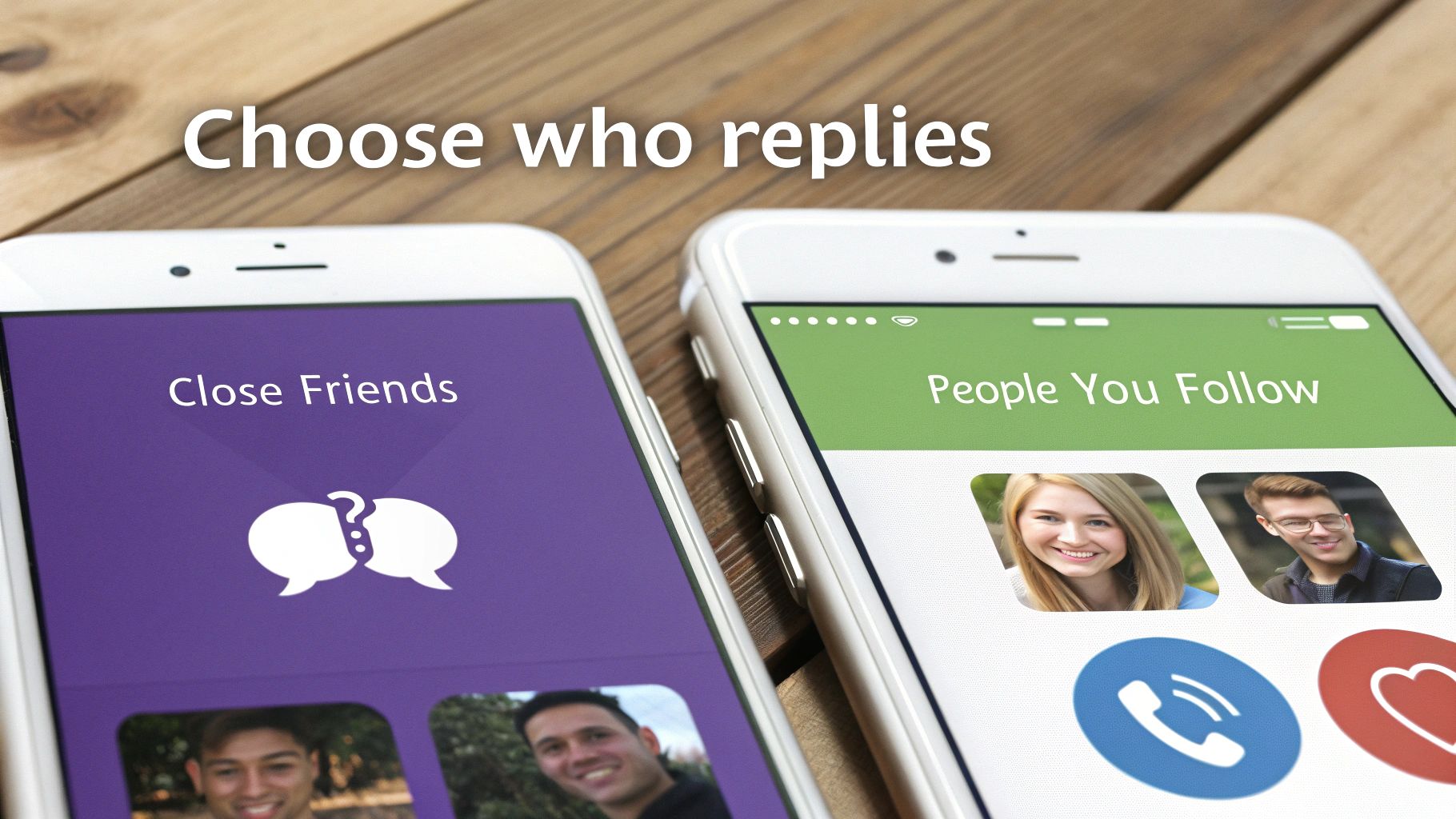
Sometimes, you don't want to shut down the conversation entirely—you just want to choose who gets to speak. Instagram gets this, offering you more nuanced control over your Story replies. Instead of an all-or-nothing approach, you can curate who gets to slide into your DMs, turning a simple setting into a smart community management tool.
This is more important than ever. With 71.9% of brand content now living in Stories, it’s the main stage for interaction. And since a whopping 86.6% of users post to their Stories every day, managing that firehose of replies is key to protecting your brand.
Create a More Controlled Discussion
One of the best ways to filter the noise is by allowing replies only from "People you follow." This simple switch creates a more focused, community-driven dialogue.
For brands, this is a game-changer. Let's say you're working with a dozen influencers on a new launch. By limiting replies to only the accounts you follow, you can make sure your DMs are filled with valuable feedback from your partners, not random comments. It's also a great first line of defense against bots and the inevitable spam account.
Leverage Your Inner Circle
Don't overlook the power of your "Close Friends" list for replies. This feature isn't just for your personal life; it can create a private feedback loop with your most trusted supporters.
Think of your Close Friends list as your personal focus group. You can use it to test-drive new product ideas, get candid thoughts on a campaign, or give brand advocates a sneak peek at an upcoming release.
This approach transforms a basic setting into a surprisingly effective market research tool. Imagine a small clothing brand sharing a potential new t-shirt design exclusively with their Close Friends—a curated list of top customers. Asking for their direct feedback via replies provides honest insights you just can't get from a public audience. You make smarter decisions, faster, and without all the extra noise.
How Reply Settings Affect Existing and Highlighted Stories
A common question I hear is, "Can I turn off replies on a Story that's already posted?" The short answer is no. Your reply settings are forward-facing, meaning any changes you make will only apply to new Stories you publish from that point on.
Once a Story is live, its reply settings are locked in for the full 24 hours. You can't go back and retroactively disable replies on it. This is by design, ensuring a consistent experience for anyone who has already viewed it and seen the option to reply.
The Impact on Your Story Highlights
This is where things can get tricky. Your Instagram Story Highlights are essentially an archive of your past Stories, and they carry over the original reply settings from the day they were first posted.
So, if you created a Highlight six months ago from a Story that had replies turned on, that Highlight still allows replies today—even if you’ve since disabled them for all new content. It's a small detail that’s easy to miss, but it can leave an old communication channel open that you're no longer checking.
I always recommend doing a quick audit of your active Highlights. Check to see if their reply settings match your current social media strategy. You don't want to leave old doors open for messages or feedback you aren't prepared to manage.
Regularly reviewing these collections ensures that your decisions about managing replies are consistently applied across your entire account, leaving no gaps in your communication plan.
A Smarter Way to Manage Story Replies
Knowing how to turn off replies on Instagram Stories is a handy trick, but completely silencing your audience means you might miss out on genuine feedback, customer questions, and even sales. For most brands, the real goal isn't to stop communication—it's to manage it well. A total communication blackout isn't your only move.
Instead of flipping the "off" switch, a more strategic approach is to manage the influx of messages intelligently. Imagine you’re running a flash sale through your Stories. You definitely want to hear from interested buyers, but within minutes your DMs are flooded with spam, burying the real questions from people ready to purchase. This is where smart moderation tools can be a game-changer.
Filter the Noise and Capture Opportunities
With the right setup, you can automatically hide spam and harmful comments while ensuring genuine customer inquiries pop right to the top. Think of it as a digital bouncer for your inbox. This kind of tech filters out all the junk, flagging the important messages so your team can focus on what actually matters—closing sales and helping customers.
This isn't just about convenience. It’s about protecting your brand’s reputation, speeding up your response times, and capturing revenue you'd otherwise miss in the chaos.
Engagement on Stories is through the roof. Recent data shows 58% of people have become more interested in a brand after seeing it in their Stories, which is a direct line from visibility to sales. And with 55.4% of influencers now using Stories for sponsored campaigns, managing that interaction professionally is more critical than ever. You can find more stats on the power of Instagram Stories on The Social Shepherd.
Using dedicated Instagram moderation tools like FeedGuardians helps you keep your DMs clean, professional, and profitable. You get all the benefits of high engagement without having to sift through the mess yourself.
Got Questions About Story Replies?
Once you start tweaking who can reply to your Stories, a few questions always pop up. It's smart to get clear on these points so you can manage your brand's presence exactly how you want.
People often worry if their followers will know they've turned off replies. The answer is yes, but it’s subtle. When you disable replies, the "Send Message" field at the bottom of your Story just disappears. Instagram doesn't send out a big announcement; the option to slide into your DMs is simply gone.
Can I Turn Off Replies for Just One Story?
This is a big one. Can you pick and choose which Stories get replies? Unfortunately, no. Instagram doesn't offer that kind of one-off control right now.
Your reply settings are an all-or-nothing deal. They apply to every single Story you post until you go back into your privacy settings and change them. So, if you're running a contest or posting about a sensitive topic and want to limit DMs for a bit, you'll have to remember to turn the setting on before you post and then switch it back off afterward.
Will This Kill My Reach and Engagement?
It's a valid concern: does blocking replies make the Instagram algorithm mad? Not necessarily. While a direct reply is a strong signal of engagement, it's far from the only one.
The algorithm looks at all sorts of interactions. Turning off replies removes one signal, but you still have poll votes, quiz answers, emoji slider reactions, and shares. Your reach won't necessarily tank, but the algorithm will have one less piece of data to work with.
To keep your audience involved, lean into Instagram's other interactive stickers. They're a great way to keep the conversation going, just not in your DMs. For a broader look at managing feedback, check out our guide on how to hide comments on Instagram.
Instead of just turning off replies, let FeedGuardians manage them for you. Our AI automatically hides spam and flags important customer questions, keeping your DMs clean and your sales funnel full. Discover how FeedGuardians can protect your brand and boost engagement.
Tired of manually moderating comments?
FeedGuardians automates spam filtering, responds to customers, and protects your brand — setup in 3 minutes.